Frequently Asked Questions
Which Patrol models does this unit fit?
- GUIV (Wagon version Only)
- GU 5 (Wagon version Only)
- GU 6 (Wagon version Only)
- GU 7 (Wagon version Only)
- GU 8 (Wagon version Only)
- Y61 (Wagon version Only)
Will not fit Cab chassis models
Do I need any extra parts to fit this into my vehicle?
- No, this unit comes with everything you need to fit into your Nissan Patrol Wagon
What comes with the head unit?
- Fascia surround
- 3 x Wiring Harnesses to suit GU patrol variants
- External Microphone
- 2 x USB Inputs for media playback
- USB input for wired Carplay / Android Auto
- Sim Card Input
- External GPS Antenna
- 2 x Wifi Antennas (Positive & Negative)
- SMA to FAKRA adaptor cable
- CVBS front camera input + Canbus power cable
- AHD Front & Rear Camera Input cable
- V1/V2 out, AUX, Amp, CVBS rear cam input, WiFi/Bluetooth antenna cable
- 1 x reverse camera
How much warranty does the unit come with?
Does it come with any navigation?
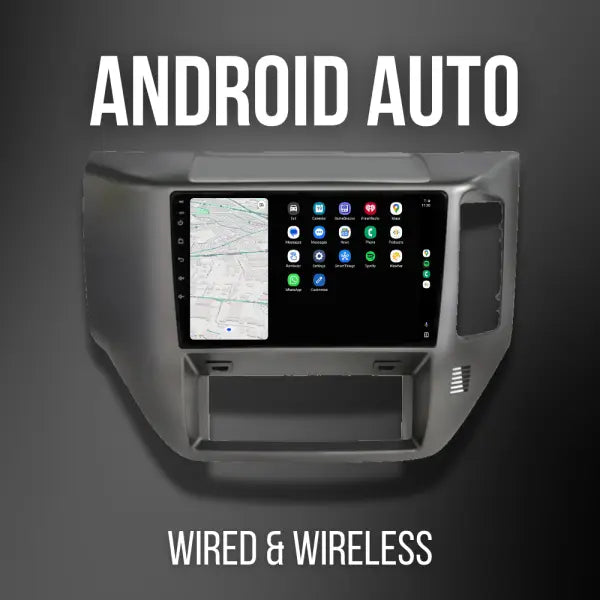
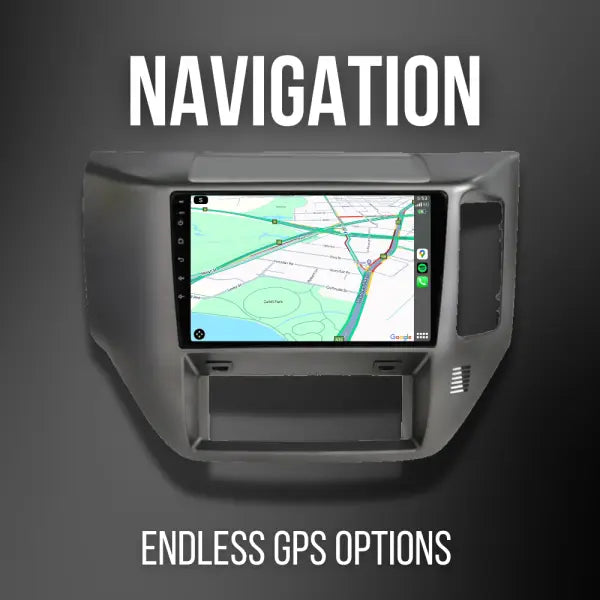
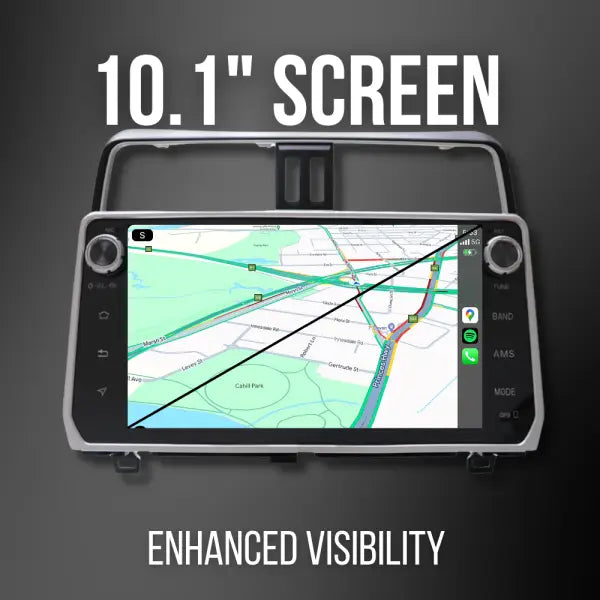
- The GU Maxx features both Apple CarPlay and Android Auto, giving you the flexibility to use the platform you prefer. Make your daily commute or road trips even more enjoyable with this cutting-edge technology.
- You can also download additional mapping apps on the head unit*
- May require internet connectivity
So how do I navigate with the built-in CarPlay / Android Auto?
- The GU Maxx is equipped with standard wireless Apple Carplay and wireless Android Auto, allowing you to easily use your phone’s navigation through the in-dash display.
What is CarPlay & Android Auto?
-
Apple CarPlay lets you use a selection of your Iphone’s functions directly through your car’s built-in infotainment system. Apple CarPlay is often more user-friendly and faster to respond than the standard features built into many infotainment systems
-
Android Auto brings a selection of apps to your car display so you can focus while you drive. You can control features like navigation, maps, calls, text messages, and music
Do I need internet connectivity for CarPlay or Android Auto?
- Yes, you continue to use your phone, but the interface is optimised for the in-dash display, providing a seamless navigation experience.
Does Apple CarPlay and Android Auto mirror my phone?
- No, Apple Carplay and Android Auto prioritise safety and as such, not every app on your phone will be accessible in Carplay or Android Auto mode. Only apps that meet Apple’s approval will be available in Carplay, and similarly, only those that meet Google’s standards will be available in Android Auto.
What options do I have for off-road navigation?
The beauty of owning an Android Head unit is you can add YOUR favourite navigation app via Google Play store.
Options like:
- ExploreOz Traveller
- Memory Maps
- Gaia GPS
- Newtracs
- Australia Topo maps
- Sygic Maps
Does it have Bluetooth?
- Yes you can pair your phone via bluetooth and:
- Make / receive hand free phone calls
- Import contacts
- Stream audio via bluetooth
Will my iPhone work with an Android unit?
- Yes, it has wireless / wired Carplay built in, so your iPhone will work with the Carplay interface.
Does it come with a reverse camera?
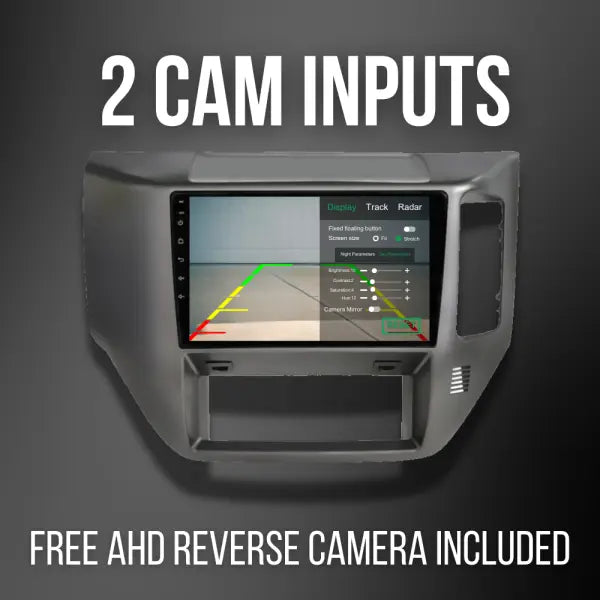
- Yes, it will come with our AHD Mini Camera and also includes a number plate bracket for versatile fitting options.
Does it have a second camera input?
- Yes the GU Maxx has a second camera input which can be used for a front camera or a caravan camera.
Can I run more than two cameras through the head unit?
- Yes, we have control boxes available that will allow you to add more cameras. Contact us at info@4x4downunder.com.au to get advice on the best setup for your application.
If I add a caravan camera, can I view it on my head unit at any time?
- Yes, there is dedicated Camera app on the head unit that allows you to view the additional camera at any time.
Does the unit come with built-in radio?
- Yes the unit comes with analogue AM/FM Radio
- Please note that it is not digital radio (DAB+), however you can download many different compatible radio apps on the head unit and stream radio*
- Requires internet connectivity
Does the unit have a CD/DVD player?
Does it have a USB input?
- Yes it has 2 cabled USB inputs that are placed in the glove box for easy access.
Does it have Wi-Fi capability?
- Yes, you can use a portable Wifi device or your phones personal hotspot to connect up to Wifi.
Can I insert a SIM card into the unit?
Does it have an SD card slot?
- Yes, located at the rear of the head unit
Can I install other apps onto the head unit?
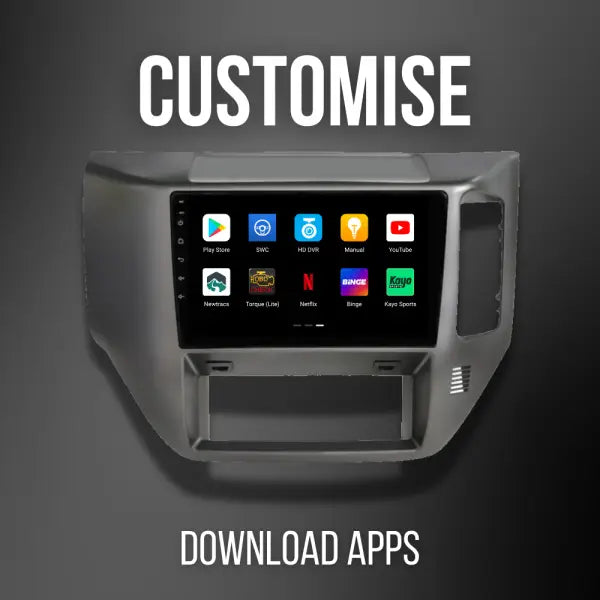
- Yes, you can download compatible apps from the Google Play Store or install APK files. However, it’s important to note that not all apps may be compatible with the head unit. While support for third-party apps is provided, some may not function properly.
Where can I find the specifications on the unit?
- You can find the specs in the specifications tab.
Can I connect an OBD diagnostic reader to the head unit?
- Yes, you can add our OBDII Reader to the unit
Can I run a dash camera through the head unit?
- Yes, we have a dash camera add on
Can I fit this product myself?
- While installation of the GU Maxx is possible, it requires specialised technical skills and expertise. If you lack the necessary confidence or skill to install the product, we recommend utilising the services of a professional technician.
Do you have any installation instructions?
-
Yes, visit the installation tab to find our installation instructions